See the effects, captions, Looks and sounds you can ask for in plain English. This page is for learning before you buy and for finding a feature after you install.
Use one style for a clean look, or let the reel mix one-word captions, short lines and big accent words. Every style has a readability safety net for bright footage.
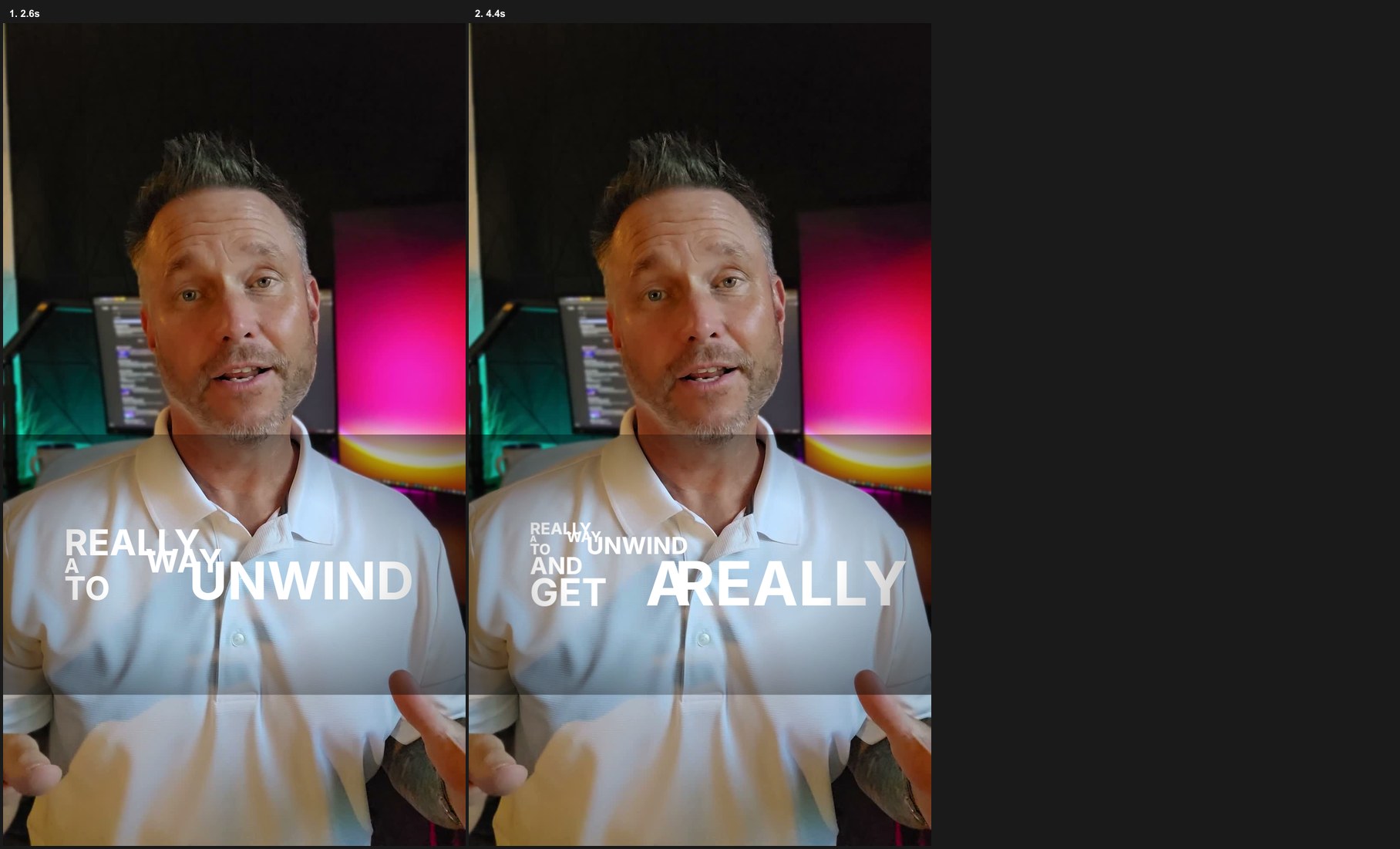
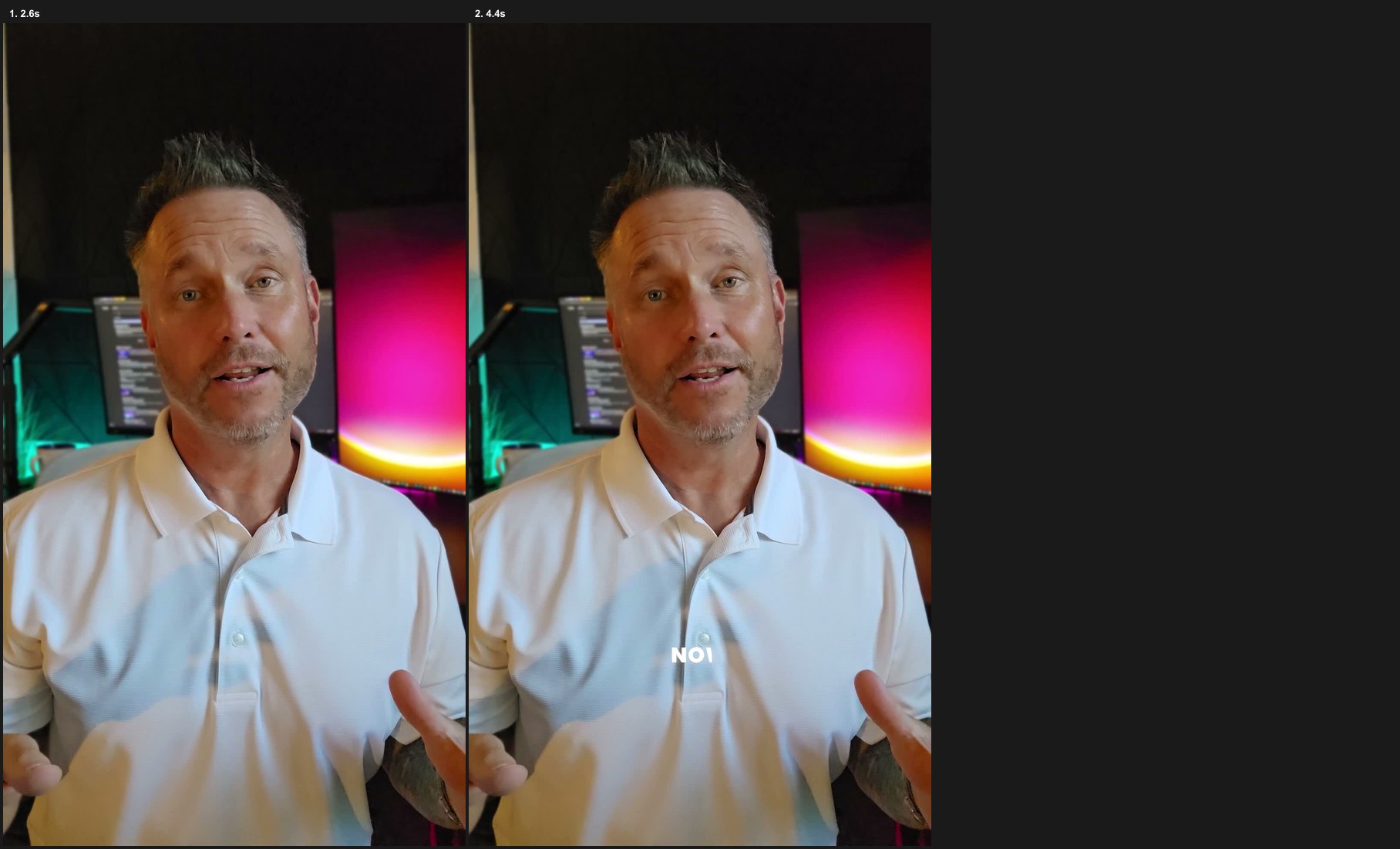
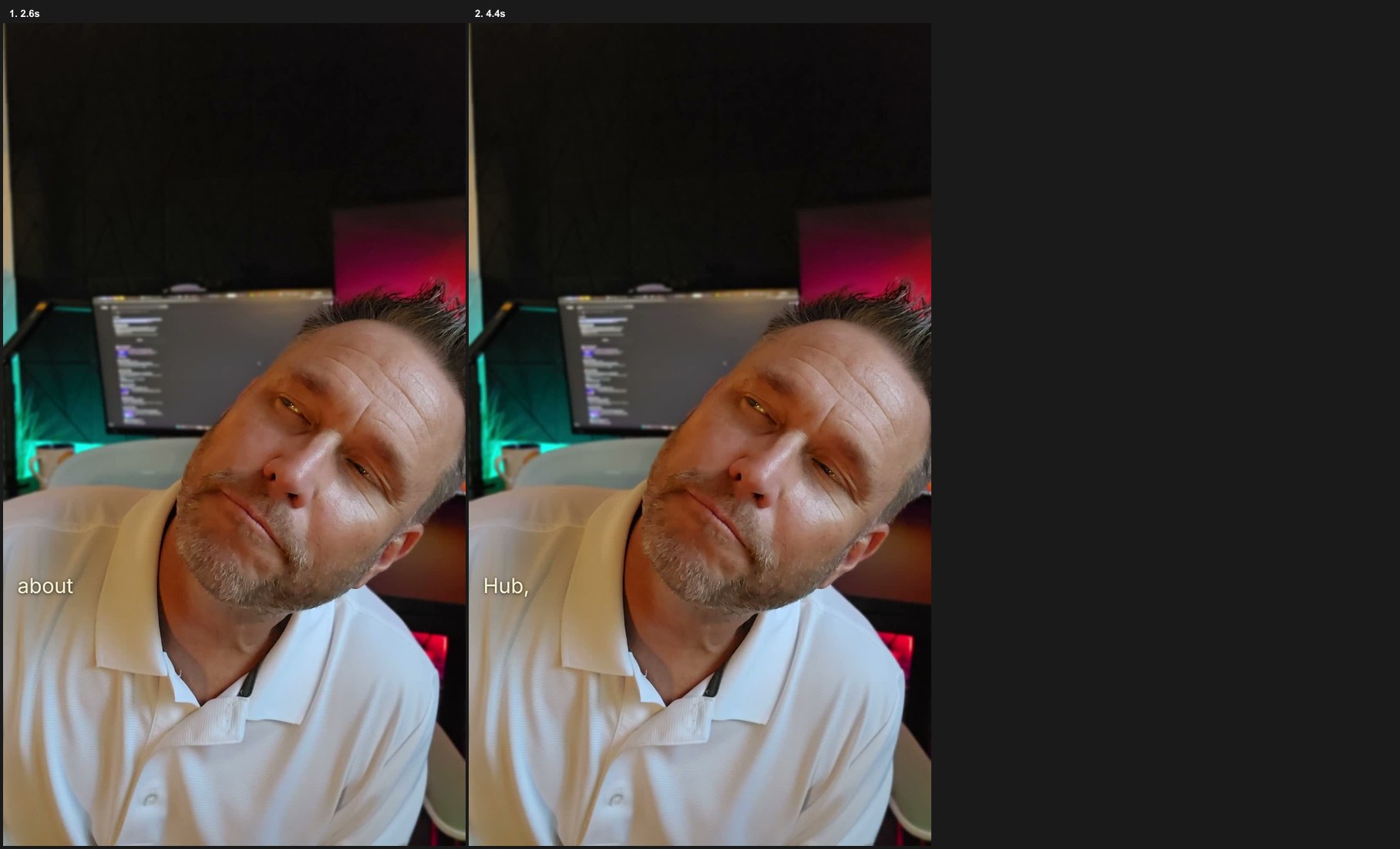
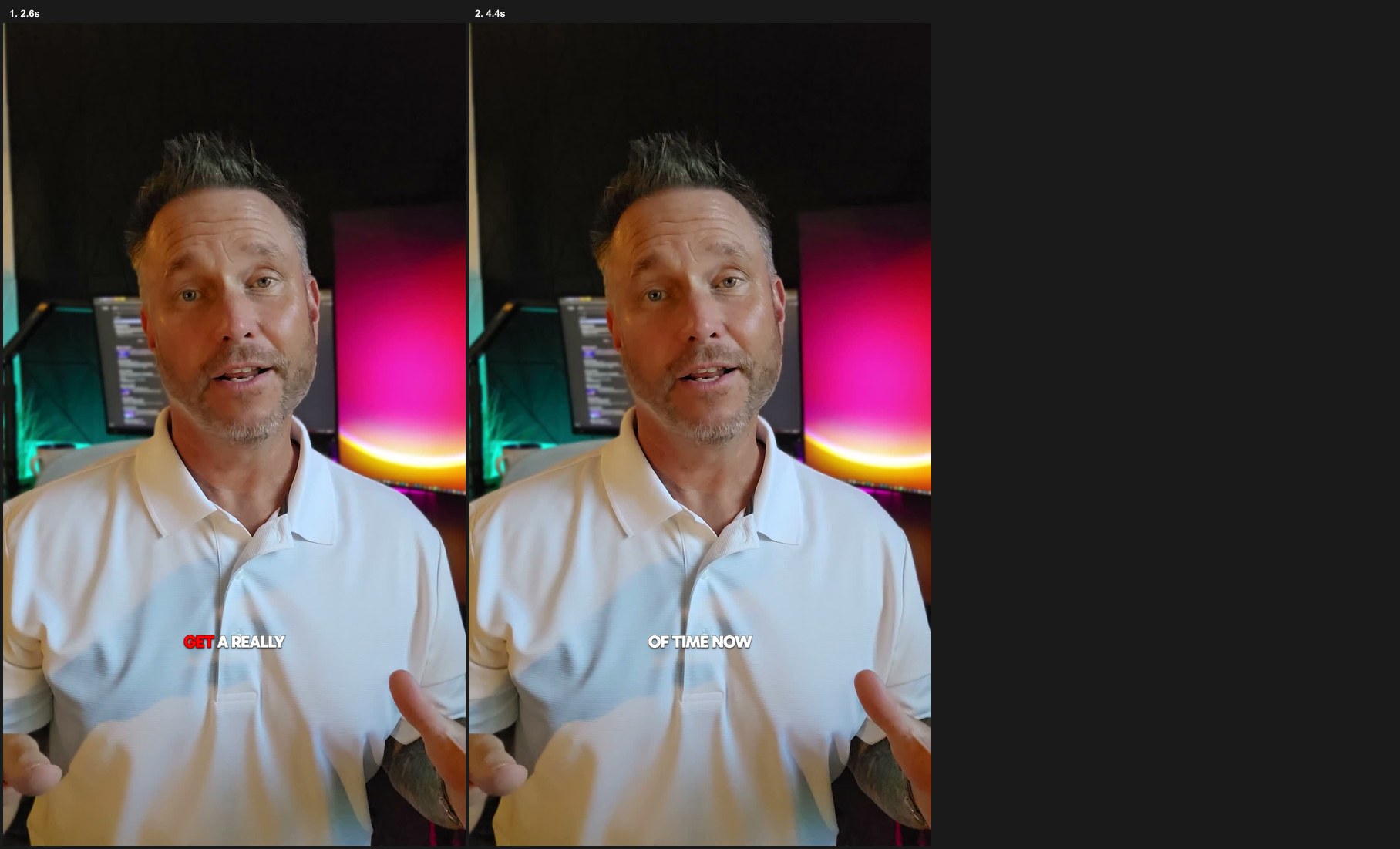
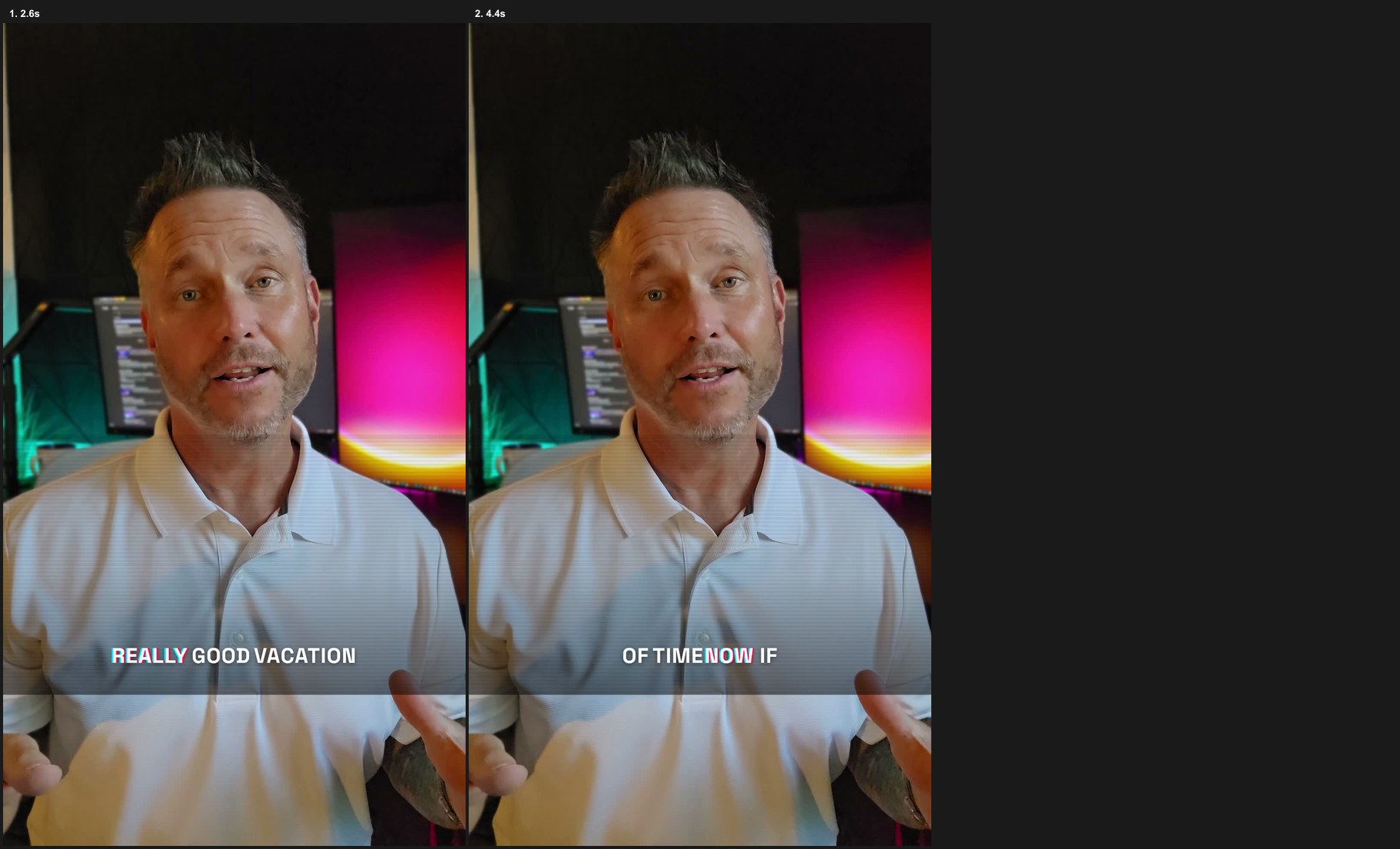
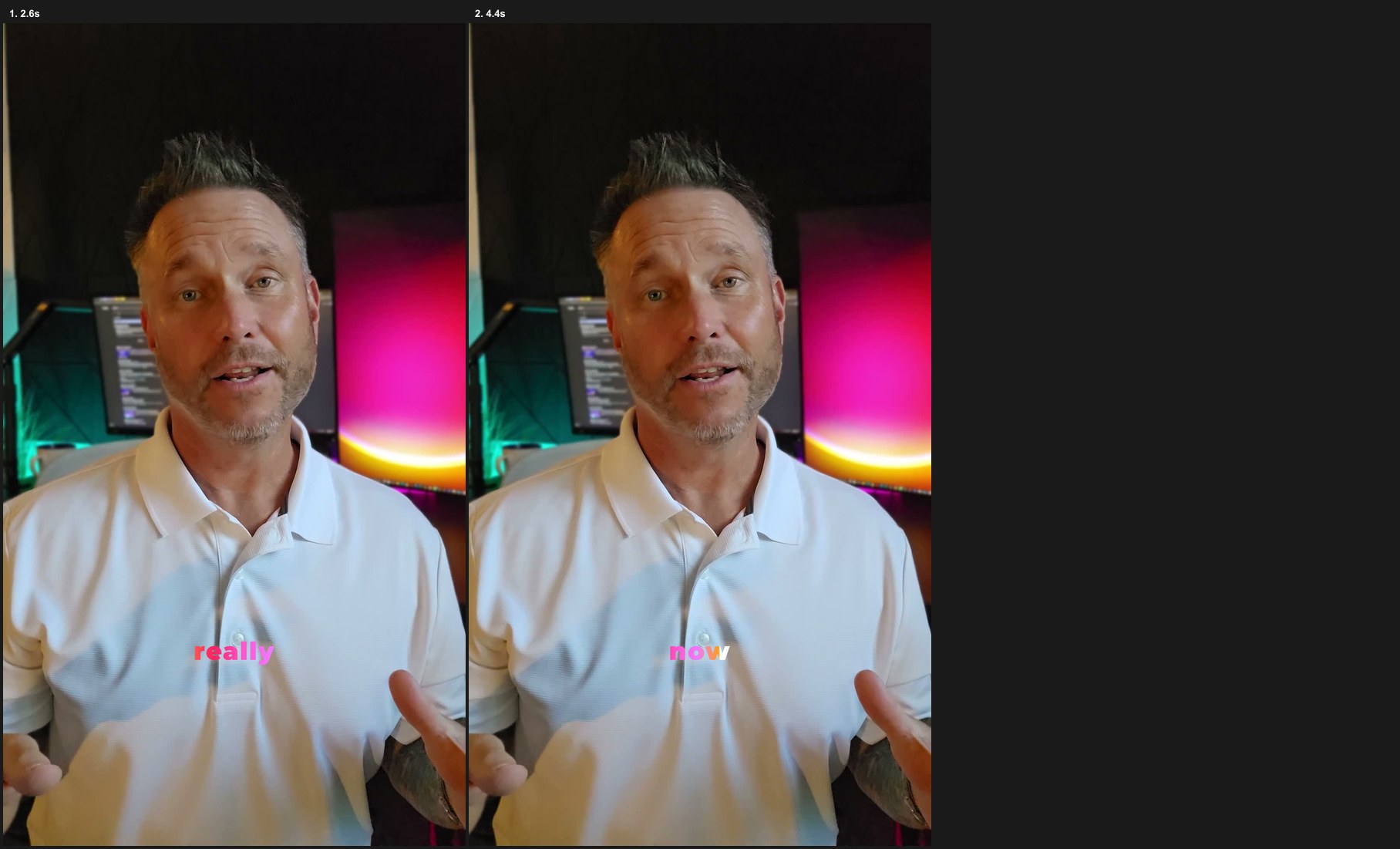
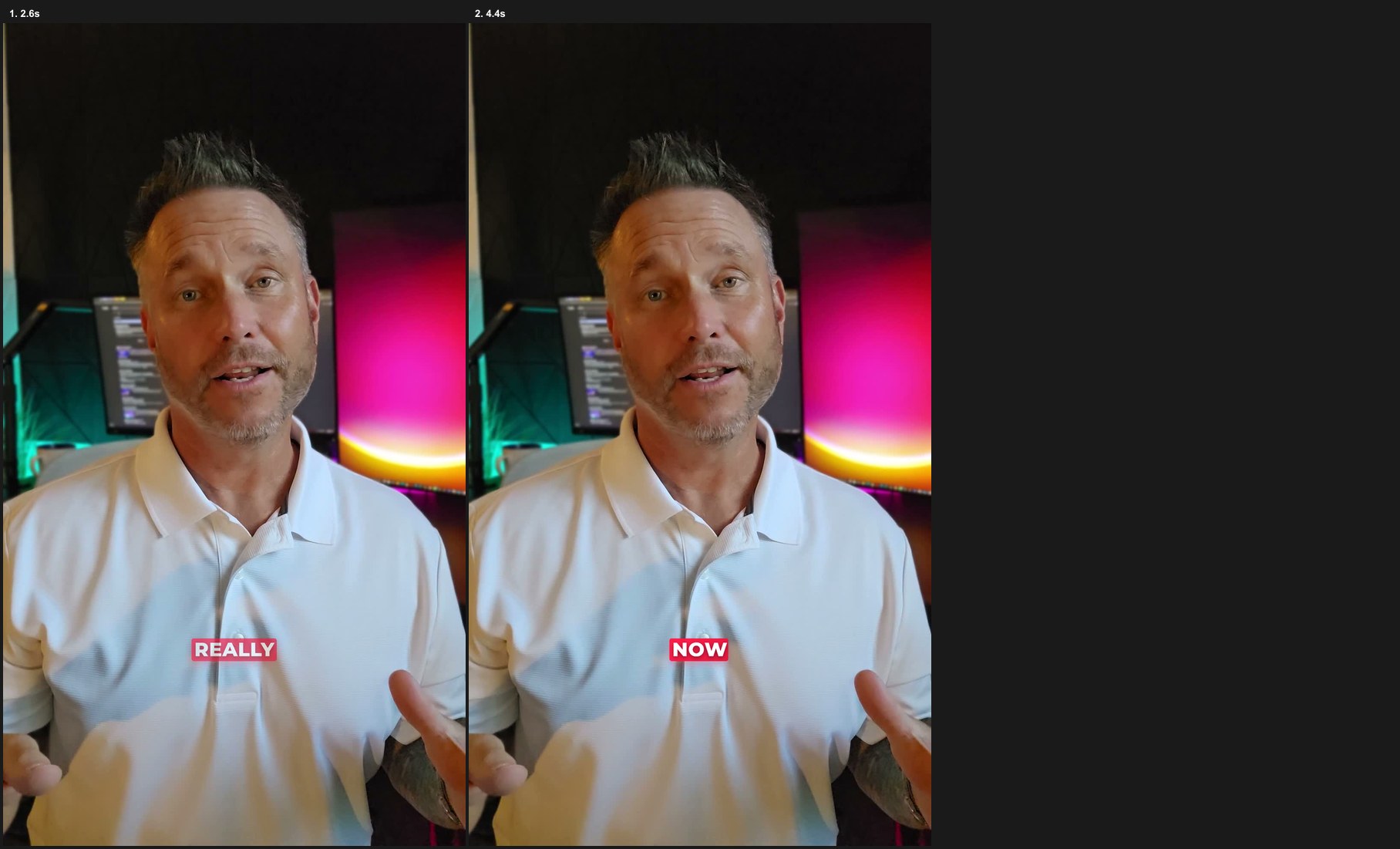
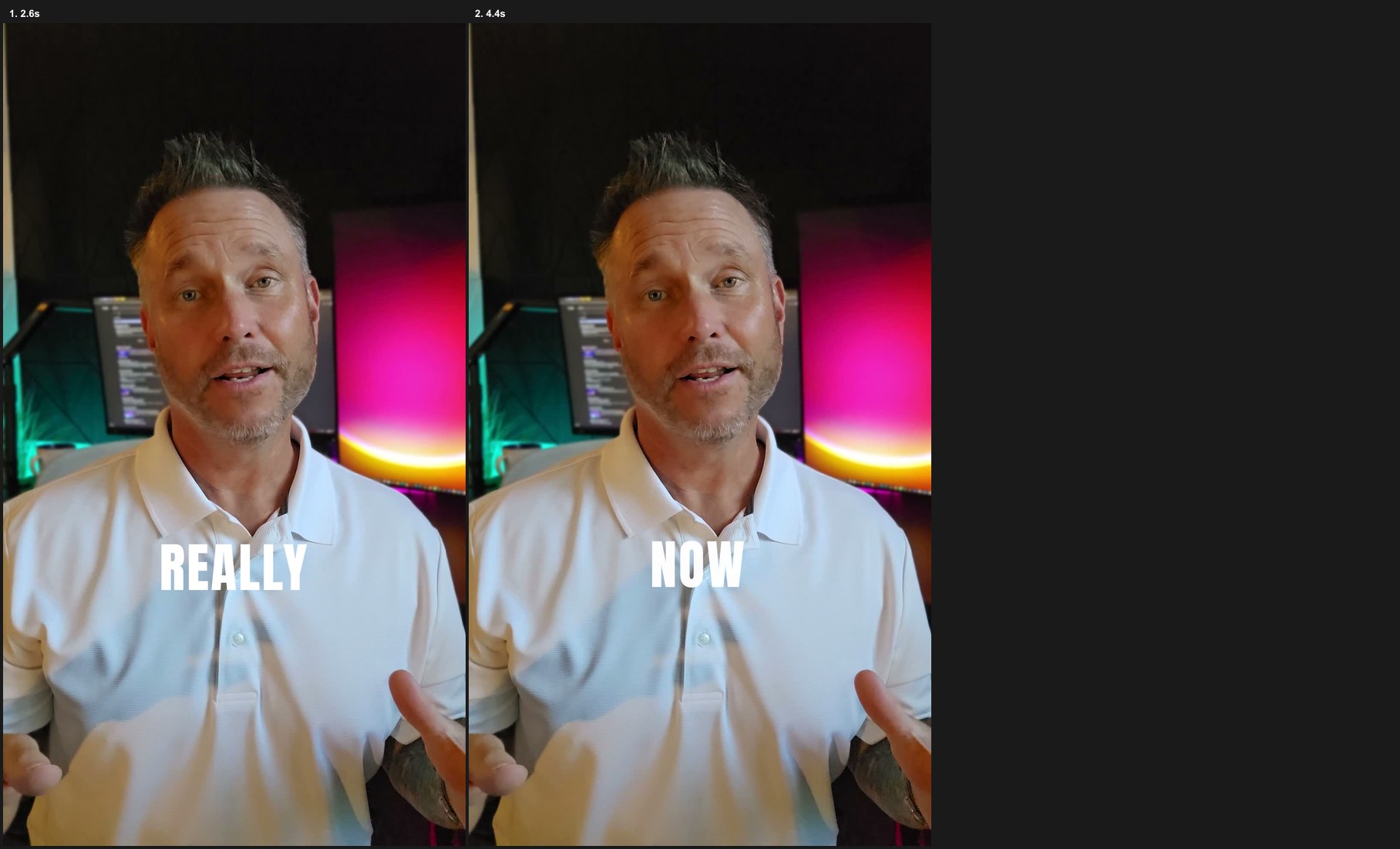
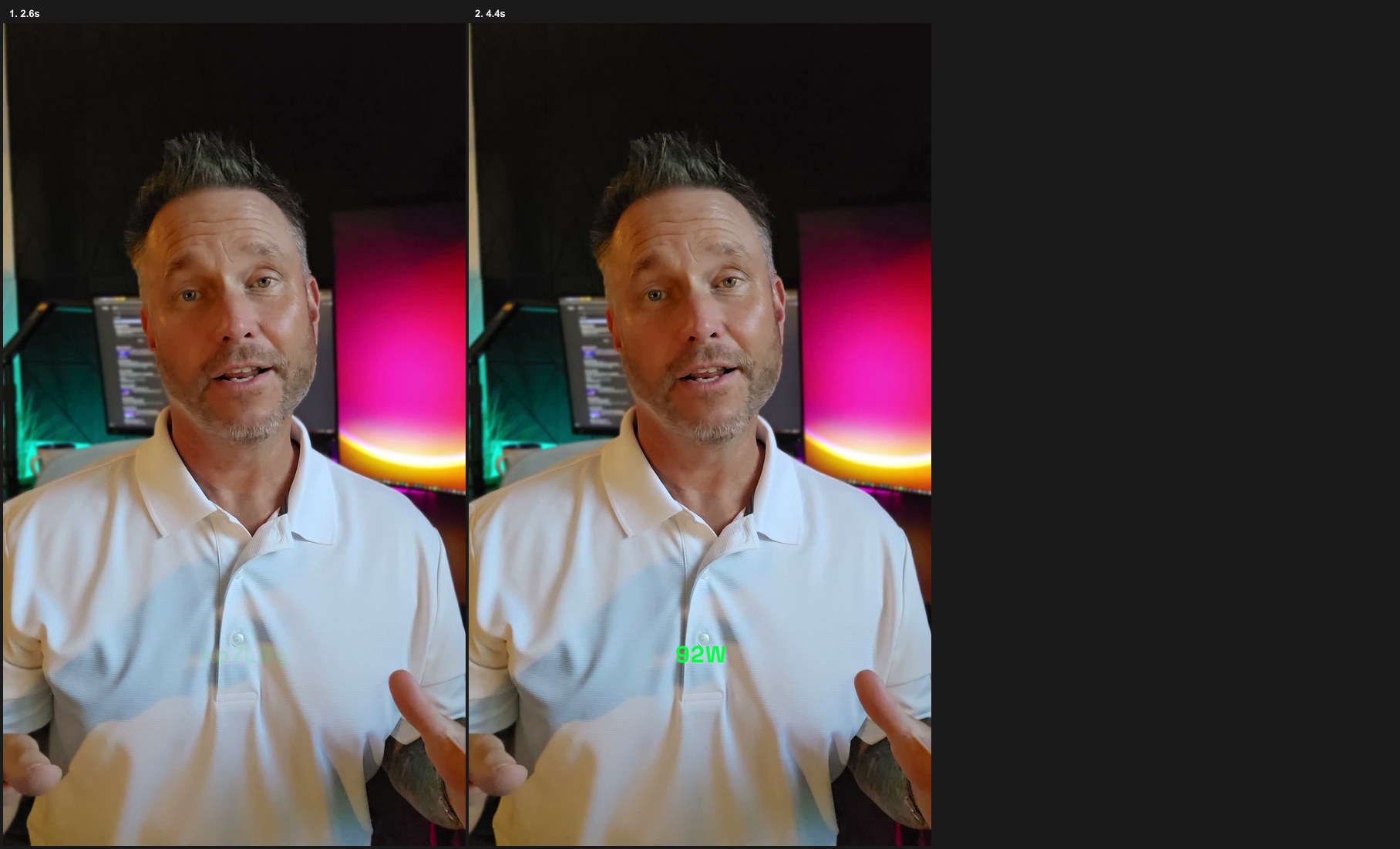
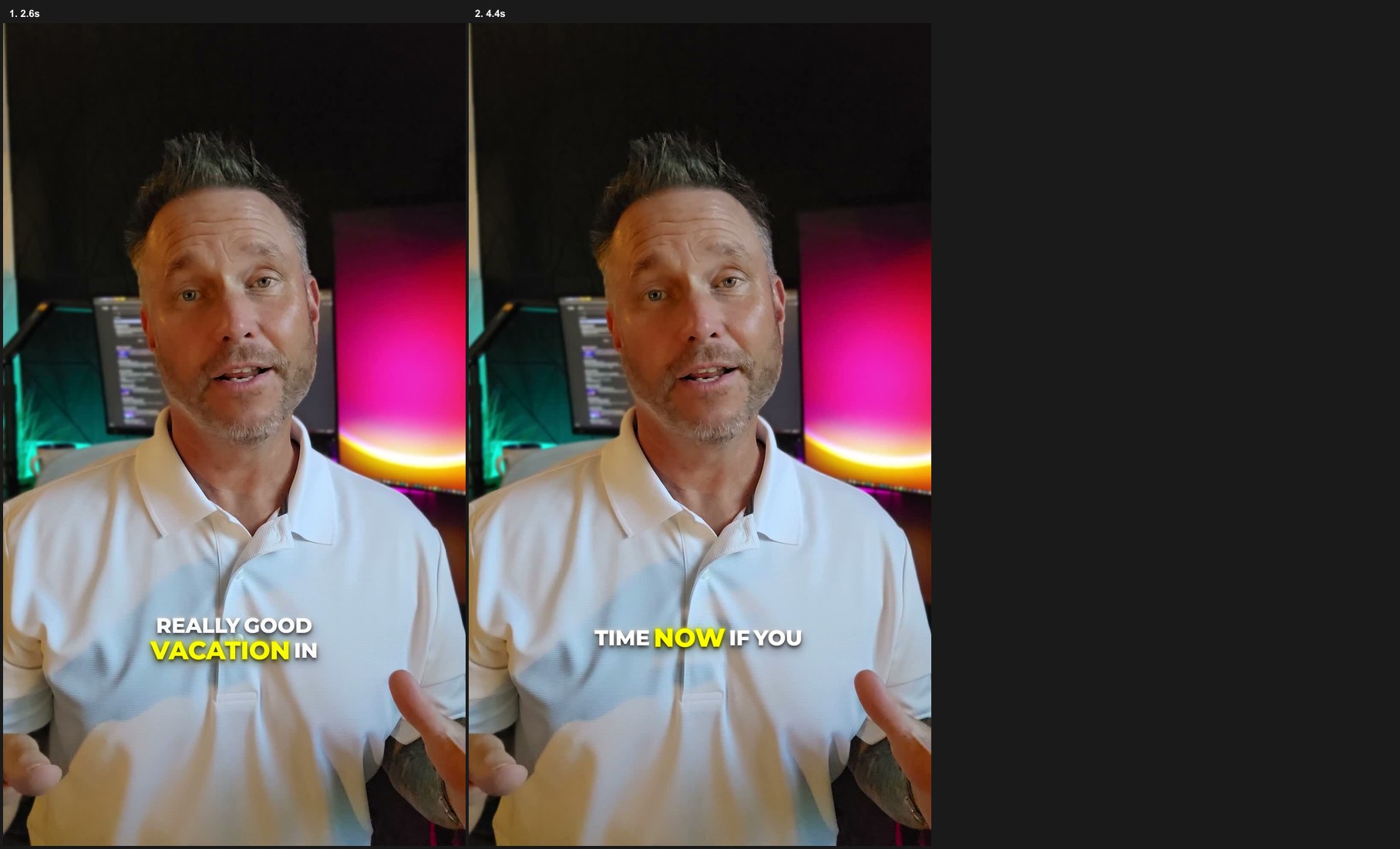
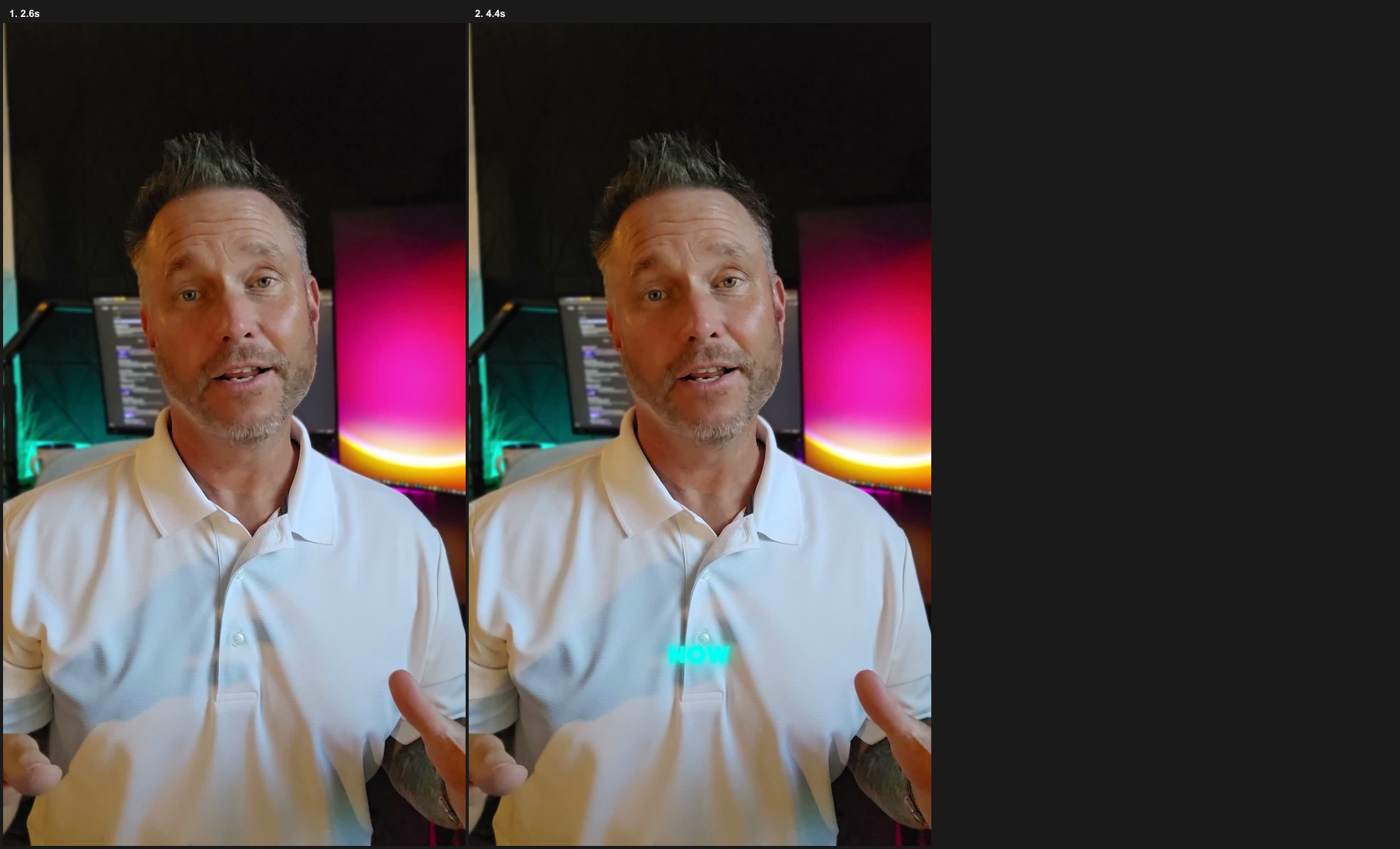
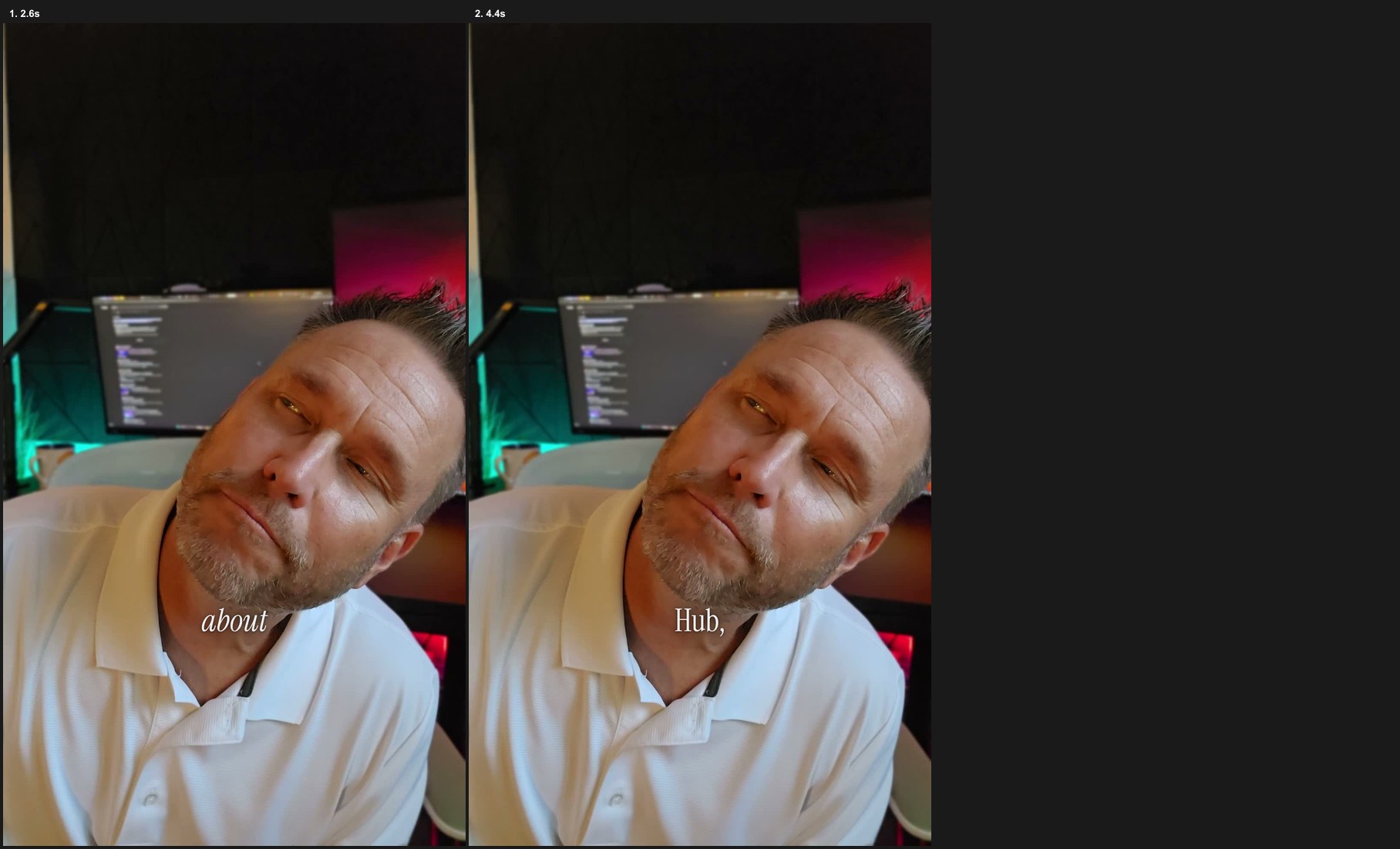
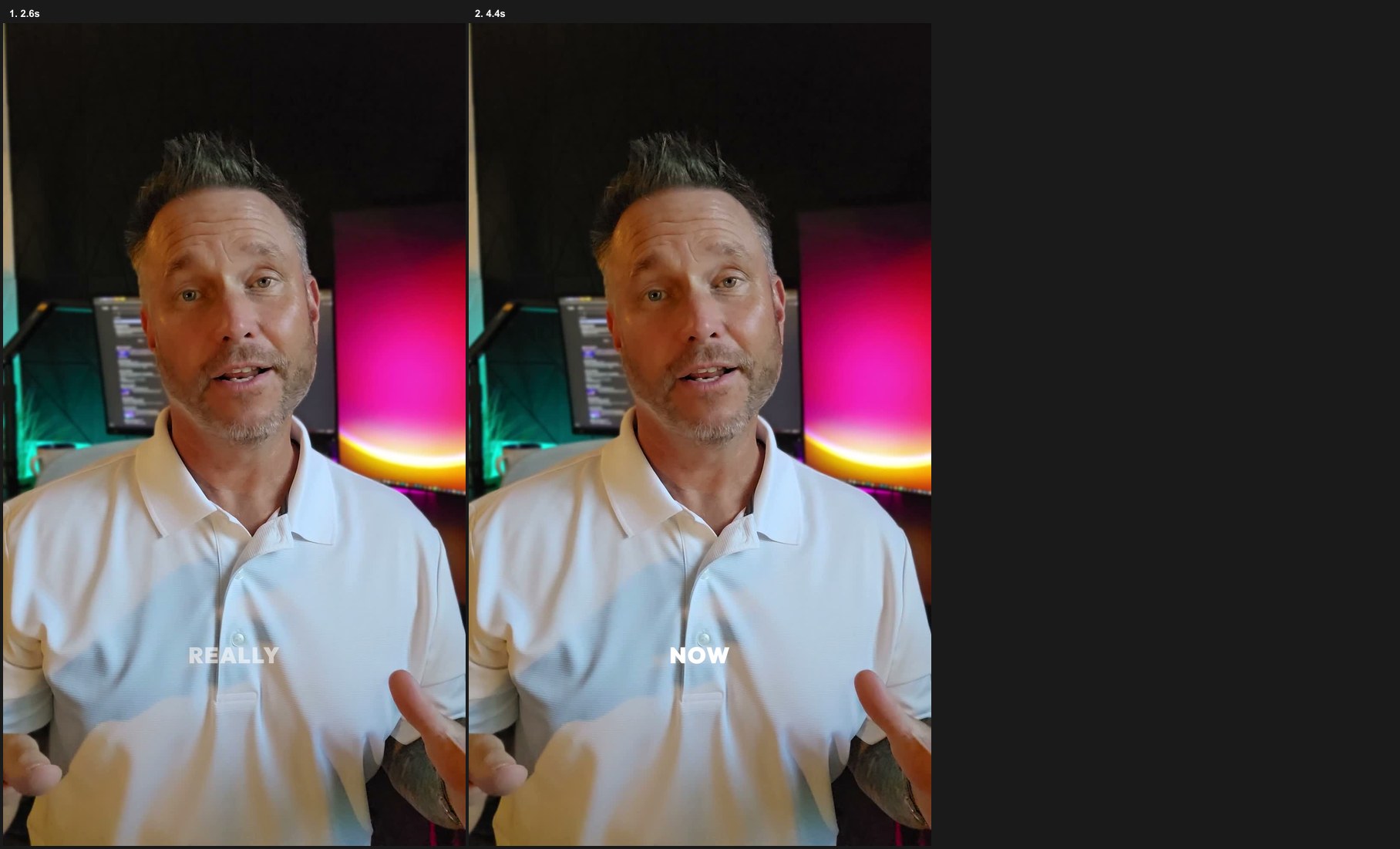
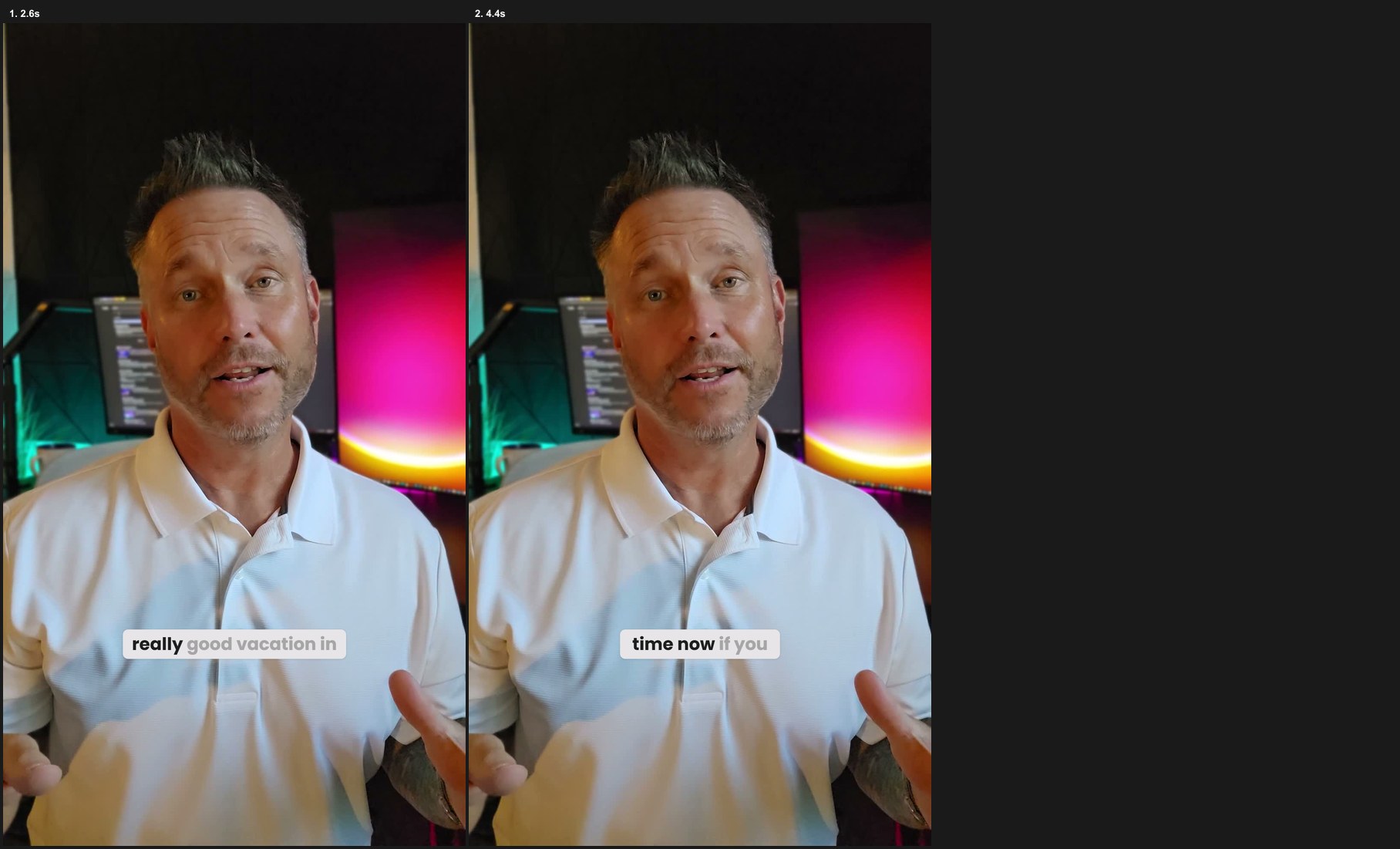
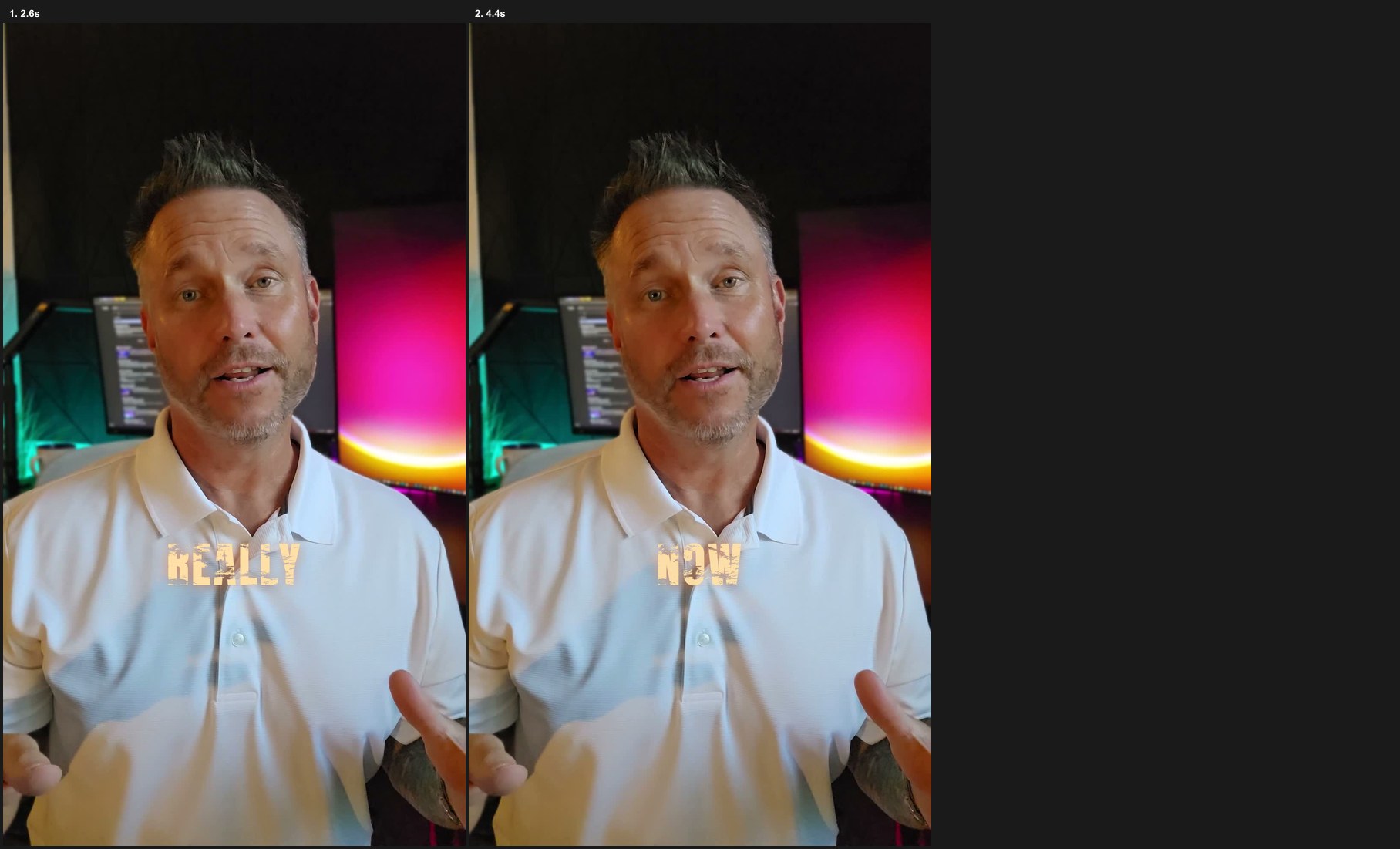
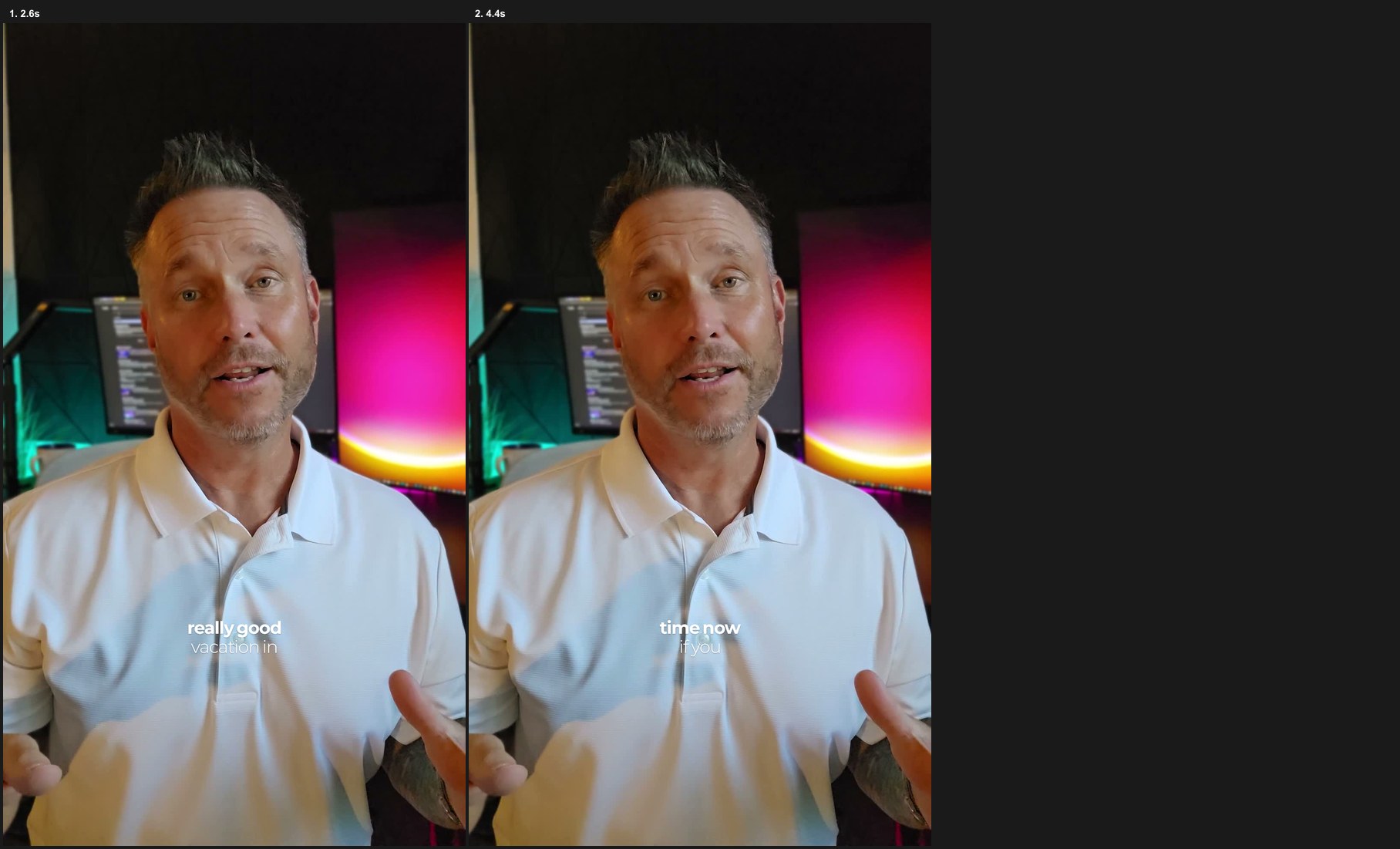
The seventeenth style checks the footage and adds a soft shade behind the words when the picture is bright.
The director proposes graphics from what you actually said. You approve the plan before it builds. These are examples of what to say.
A title at the start that says who the reel is for.
Say: “Add a hook card that says this is for people who hate editing.”
A clean card that explains one important point.
Say: “Add a callout that says filming is the easy part.”
A number that counts up on screen.
Say: “Count up to three on the word three.”
A short line from the video, set as a quote.
Say: “Put this line on a quote card.”
A simple list that appears one point at a time.
Say: “Show my three points as a building list.”
Steps that appear in order, clear and easy to follow.
Say: “Turn these instructions into numbered steps.”
Two choices or two ideas, next to each other.
Say: “Compare filming and editing side by side.”
A bar or line chart made only from numbers I supplied.
Say: “Make a bar chart with these three numbers.”
A bold full-screen card for the line that matters.
Say: “Take over the screen with the words just start.”
A quick card that breaks the pattern and resets attention.
Say: “Use a breakaway card here.”
A handwritten aside for the thing I am thinking.
Say: “Add a thought bubble that says why did I not do this sooner?”
A simple icon to support the point without more words.
Say: “Add a small camera icon.”
An emoji, badge, picture or GIF placed with care.
Say: “Add a sticker that fits this line.”
A lower-third with my name and what I do.
Say: “Add my name and role as a lower-third.”
A small celebration for a win or a finish.
Say: “Add confetti on the last line.”
Small live cards for things like code, likes or totals.
Say: “Show these points as a grid of live cards.”
A screen mock-up that acts out the point.
Say: “Show this as a phone screen.”
Big moving type for a short punchy line.
Say: “Make this a kinetic title.”
A designed scene for faceless animation reels.
Say: “Make this a full-frame scene.”
A Look changes your fonts, captions, cards, motion, transitions, sounds and music. Rotate them or pin your favorite. You can make your own and tell it to remember your rules.
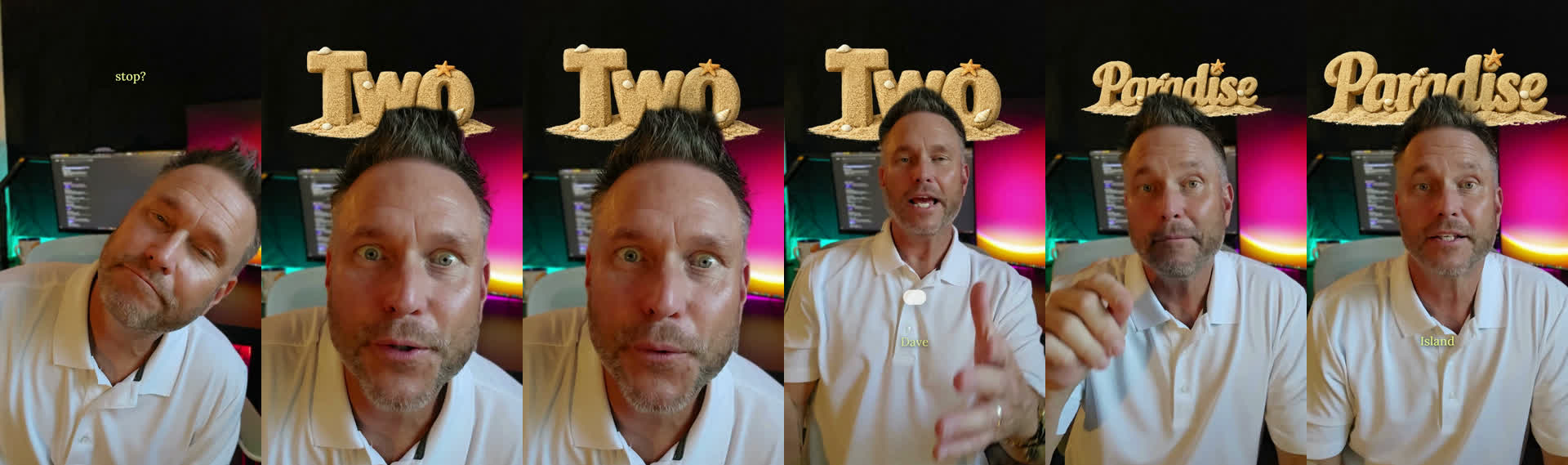
Lime Fur, Beach Sand, Ocean Water, Ship Rope, Hard Candy and Pearl Balloon. Or describe your own. One look per video. Optional, uses your own OpenAI account and costs a few cents for each new word. Saved words are free to reuse.
A big word behind you needs space above your head. Without that room, it becomes a big caption instead.
Pops, clicks, whooshes, bells, fanfare, record scratch and more. The sounds are free to use in paid work. Credits are included with the product.
Filler words, dead air, restarts, retakes and opening take names removed. Frame-exact joins with a short sound crossfade.
Noise reduction, distortion control and social-ready loudness. It warns you if the recording is too loud to fully repair.
Calm, upbeat, cinematic, warm and tech. Music dips under your voice, or use your own track.
Travel clips matched by meaning, voiceover reels and best-moment grabs. Originals are never changed.
Instagram carousels, vertical photo slides, slideshow videos and Story cards that end at the end of a sentence.
VSLs from a script, YouTube long form, and reels found inside a longer podcast, live or lesson.
A plain Game Plan and numbered stills before the full render. Ask for changes in plain words.
Creator Profile, Script Coach, Creator in a Day, Reel Spy, Gig Feed, thumbnail picker and reusable recipes.
Signed updates with backup and rollback. Your videos, Looks and settings are not touched.
The Yap Machine is $37 one-time launch price. Windows now, Mac coming.